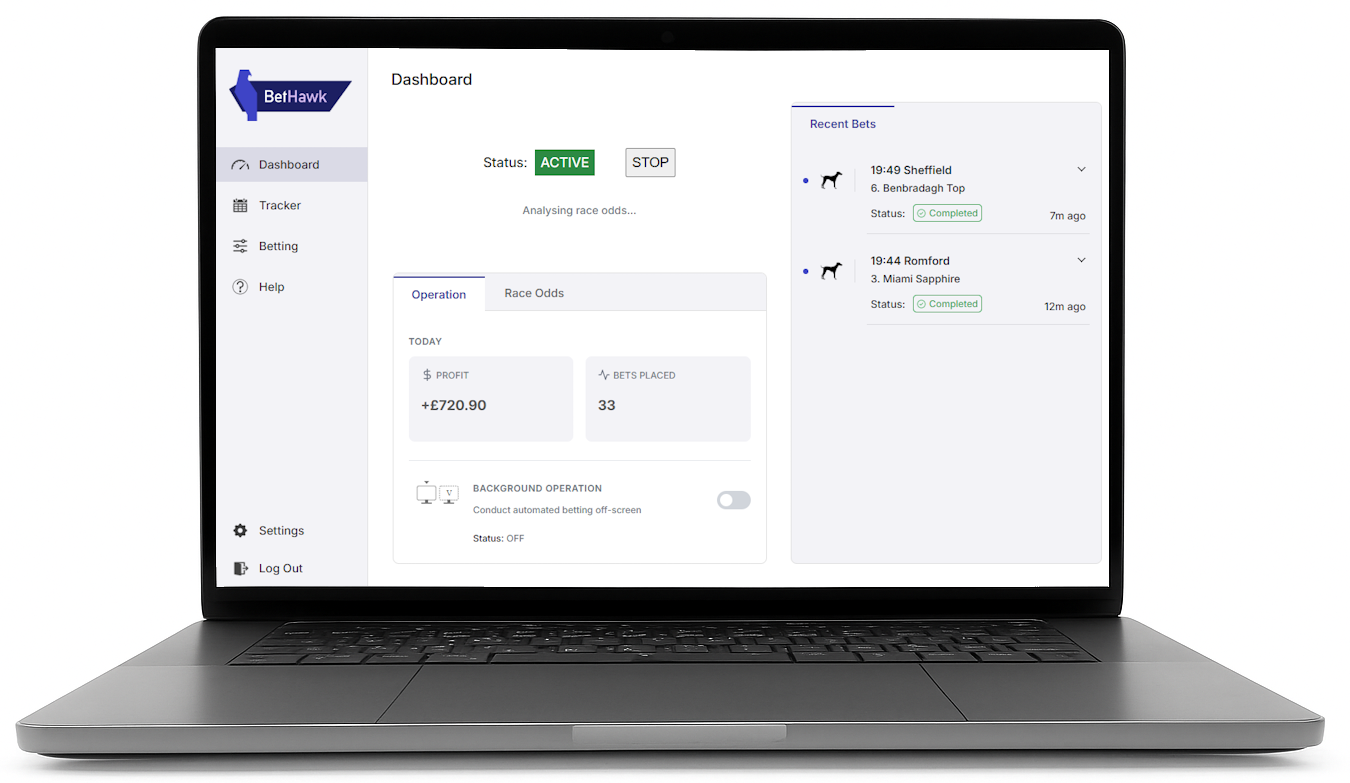
You need a Windows computer to use BetHawk.
Just visit this page on your computer and you'll be able to download BetHawk and get started on your value betting journey!
Need any help?
Send an email to our team and we'll answer you as quick as possible, usually within just a few minutes: support@bethawk.co.uk
You can also ask questions in our WhatsApp or Discord:

You're nearly there!

Here's what you need to get started with BetHawk:
1

Make a Betfair account

We use Betfair Exchange as our baseline to compare with bookmakers' odds to find value bets.
If you don't already have a Betfair account, you can sign up here. (you may already have one, proceed to next step in that case)
2

Download BetHawk

System Requirements

  • Windows 10 / Windows 11
  • At least 50MB available storage space
  • Google Chrome installed
Please make sure your device meets these requirements to ensure the app can operate correctly.
Version 1.2.9
Download BetHawk
By installing BetHawk, you agree to the terms and conditions.
3

Activate your account

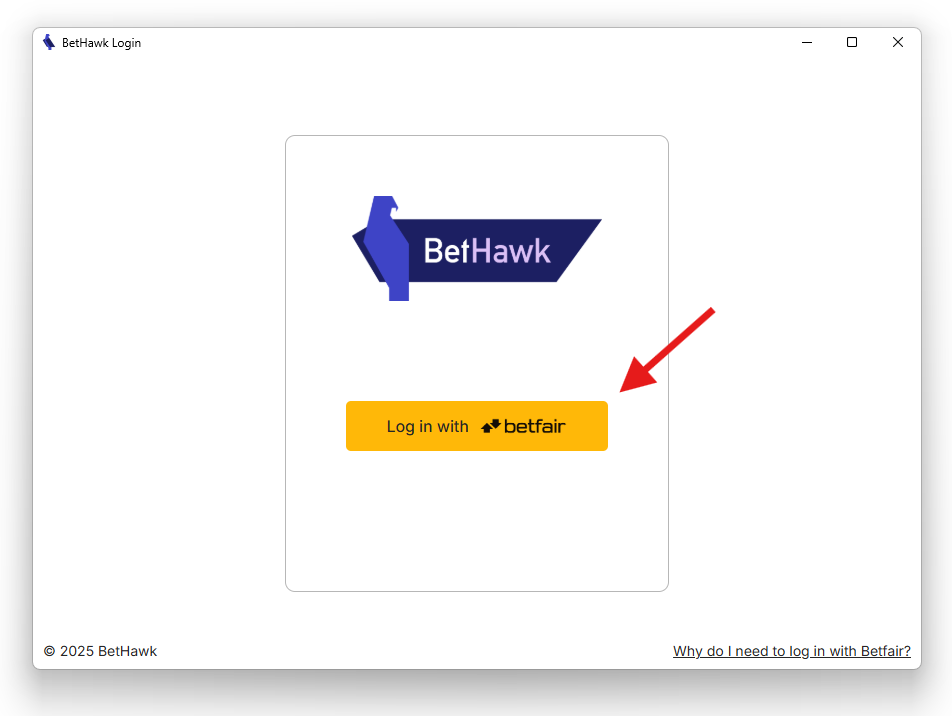
The first time you log-in using Betfair, you'll be asked to activate your account using the token on your profile.
This should only take 2 minutes.
4

Get started with BetHawk!

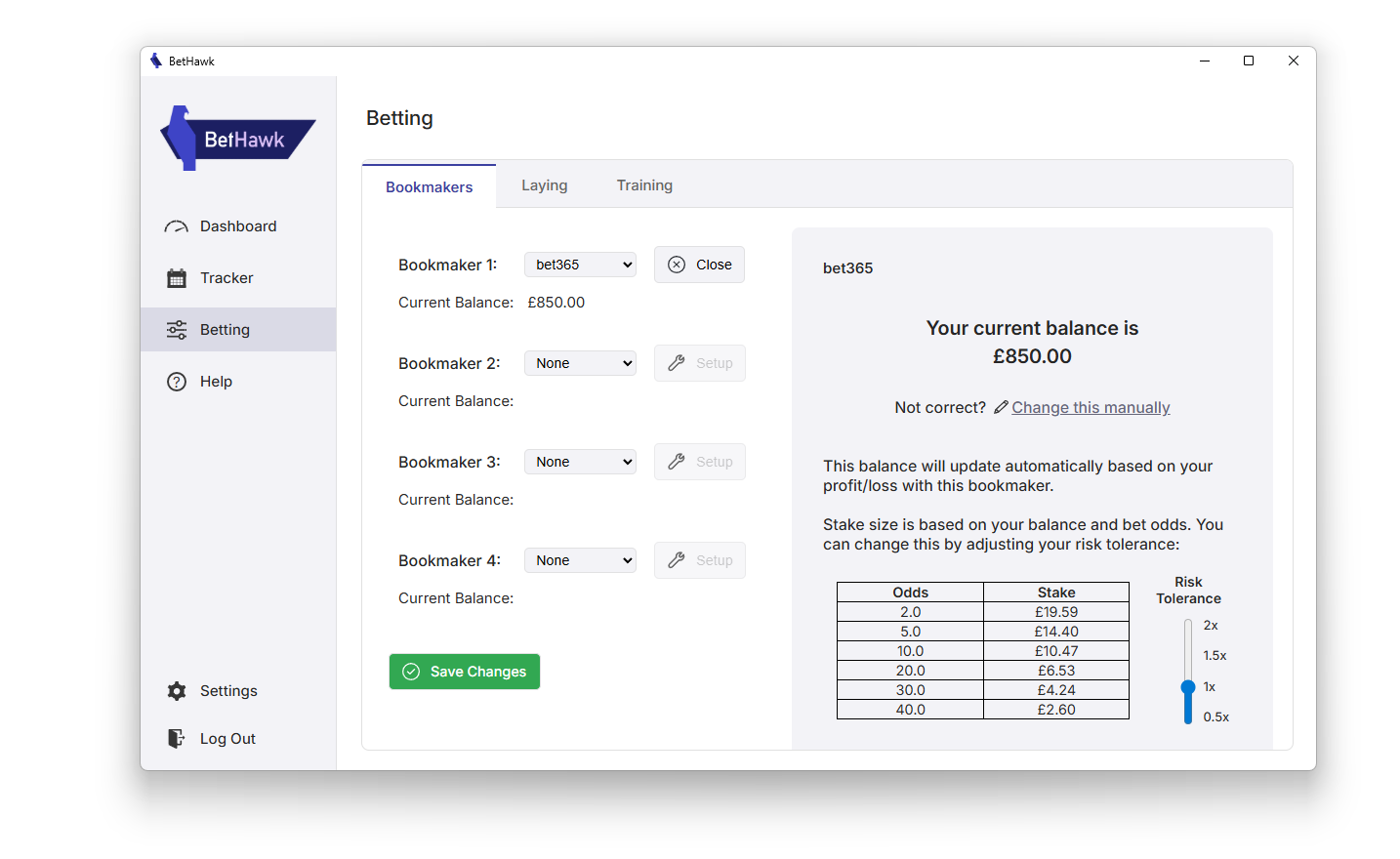
There'll be a guide in the program to walk you through how everything works, but all you need to do is select your bookmaker, set your balance, and click START!
BetHawk will automatically identify and place value bets for you on the websites of the bookmakers you have selected.
Join our community on WhatsApp/Discord!
Hear from our staff and some of our users about how to get the most out of BetHawk:
BetHawk Community
BetHawk Community